
Training sessions
Coordinate sessions, drills, and packs without overstating advanced workload intelligence.
Quick answer
Training sessions, drill library, and session packs are available; richer planning and workload intelligence are still maturing.
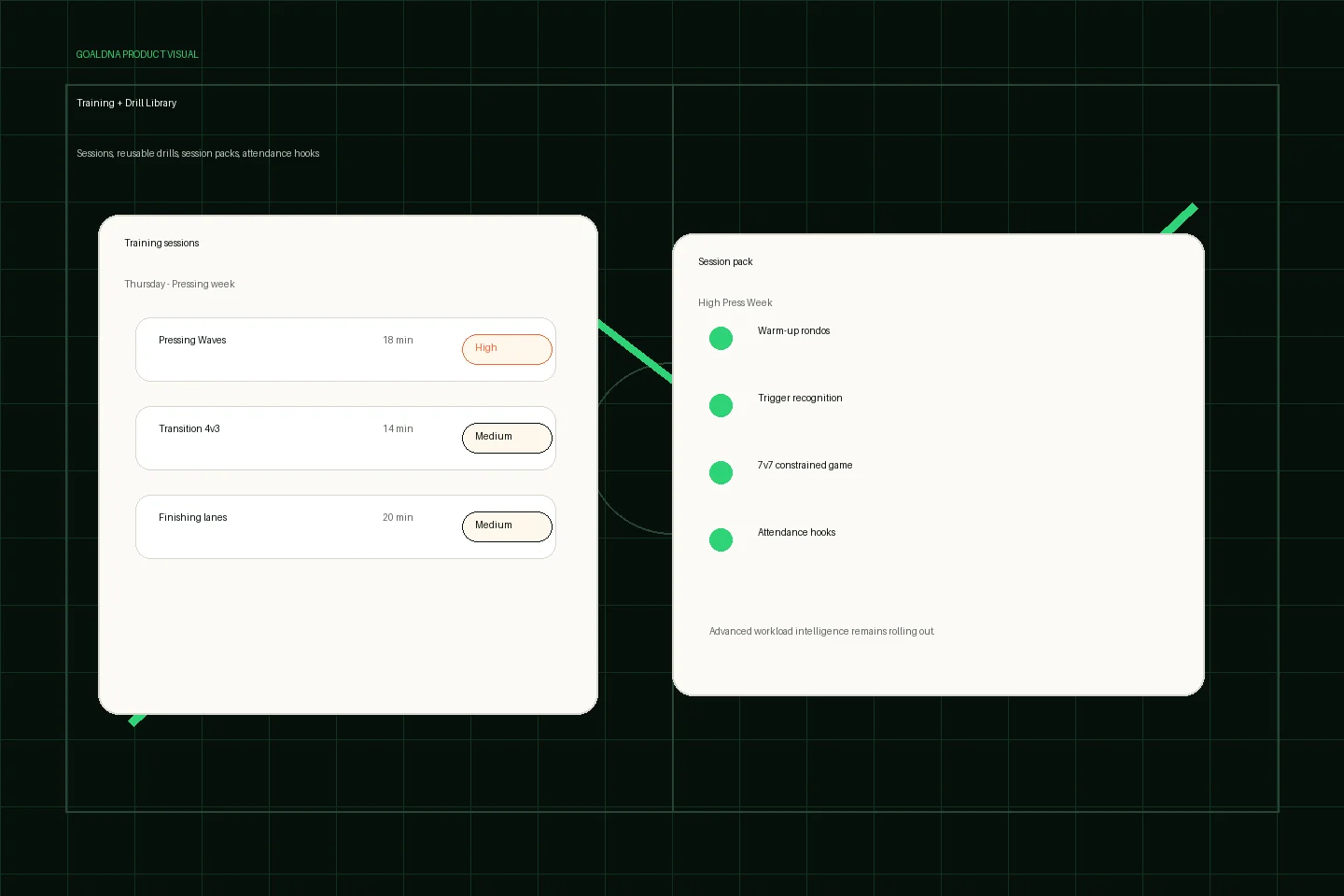
Public-safe product preview based on current GoalDNA workflows.
Product preview context
This public-safe product preview is based on current GoalDNA workflows and uses no private customer, player, guardian, inbox, injury, or member data.
- Status
- Available
- Product areas
- Training sessionsDrill LibrarySession PacksAttendance hooks
Before you start
Before building session plans club-wide, start with one team, one training block, and a small drill library. Coaches should attach drills and session packs only where they help the week's actual training plan.
- Coaches
- Staff
- Academy directors
Step-by-step workflow
Create the session, add useful drills or a session pack, check attendance hooks, then share the team-level training update.
- Create the training block for one team
- Attach drills that match the week's theme
- Use session packs for reusable plans
- Review attendance hooks and team context
- Connect the session to matchday and communication workflows
What good looks like
These are the available or practical outcomes to verify before moving on.
- Create and list sessions
- Session detail
- Attendance hooks
- Drill library
- Session packs
Role visibility checks
Check access boundaries before inviting more staff, players, or guardians.
- Coaches manage sessions.
- Staff can support attendance and communication.
- Directors can monitor readiness where configured.
Common mistakes
Avoid these rollout errors; they create confusion faster than the product can clean it up.
- Calling training analytics finished.
- Creating one-off drills that should become reusable library items.
- Mixing private player notes into broad team messages.
Troubleshooting
If training content is missing, check drill scope, session-pack ownership, and coach assignment before recreating the plan.
- If a drill is not visible, check its team scope and the coach's assignment.
- If a session pack cannot be used, confirm the pack exists in the right workspace/team context.
- If workload questions come up, keep the answer provider-honest: deeper intelligence is rolling out.
What not to rely on yet
These limits should stay out of club-critical plans unless feature status changes.
- Advanced workload insights are limited.
- Training workflow polish remains a beta/pilot focus.
Beta / partial notes
Use these areas carefully with pilot expectations and transparent communication.
- Training sessions, drill library, and session packs are available; advanced workload insights remain limited.
- Attachments and deeper planning polish should be treated as maturing workflows.
Example club scenario
A coach creates Thursday training, attaches a pressing drill, uses a session pack for the week theme, then reviews attendance hooks before sending the team update.
FAQ
Are drills and session packs real modules?
Yes. Drill library and session packs are available app modules for reusable coaching workflows.
Does training include advanced workload analytics?
No. Training operations are available, while advanced workload and performance intelligence are still maturing.
Related workflows
Available
Communication & announcements
Keep team updates connected to the workspace.
Read Communication & announcementsGuide
Feature status & beta roadmap
A transparent public view of available, beta/pilot, partial, and rolling-out areas.
Read Feature status & beta roadmapBeta / pilot
RSVP / availability
Use availability context to reduce matchday uncertainty.
Read RSVP / availability