
Feature status & beta roadmap
A transparent public view of available, beta/pilot, partial, and rolling-out areas.
Quick answer
GoalDNA separates what clubs can use now from what is maturing, partial, gated, or rolling out next.
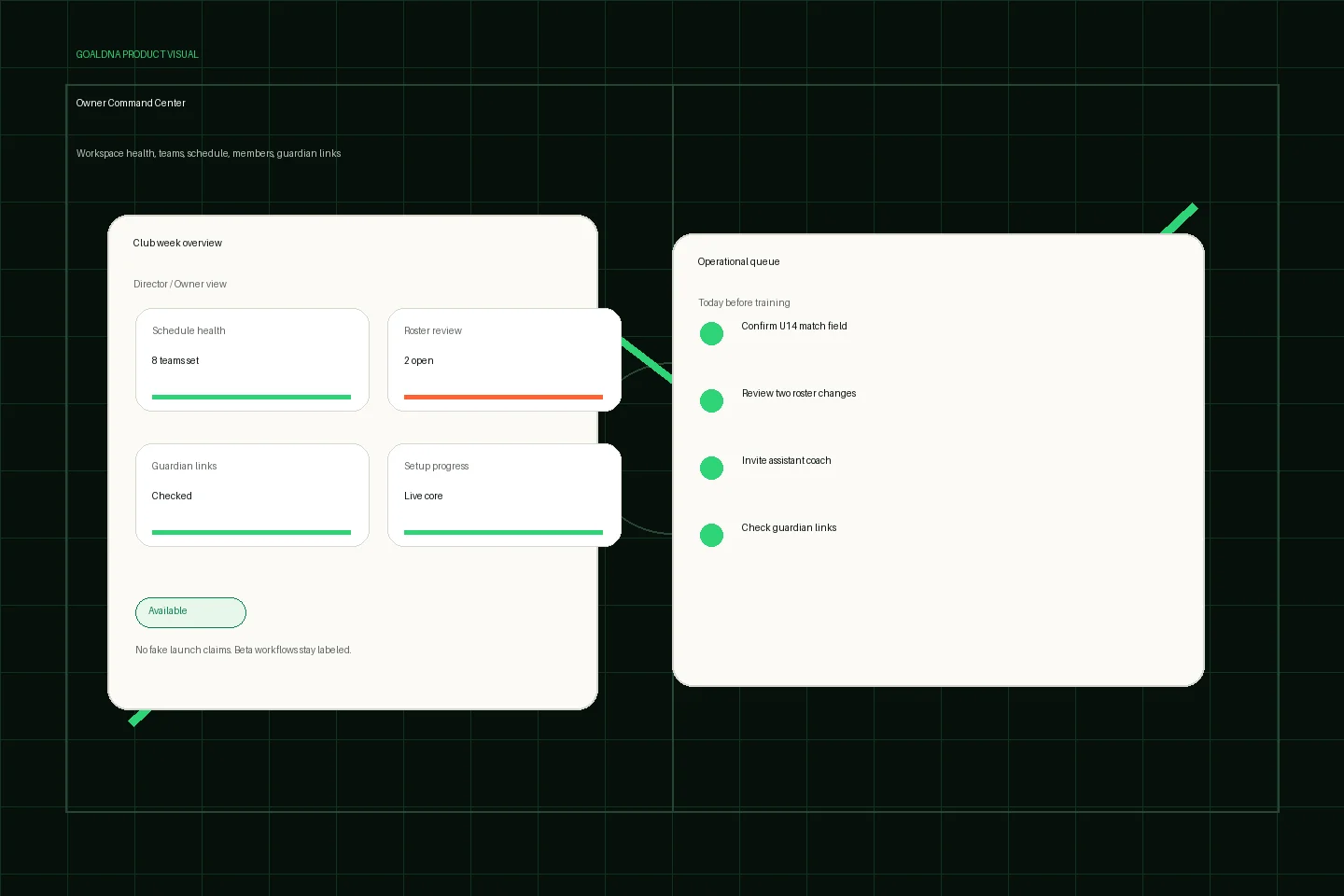
Public-safe product preview based on current GoalDNA workflows.
Product preview context
This public-safe product preview is based on current GoalDNA workflows and uses no private customer, player, guardian, inbox, injury, or member data.
- Status
- Available
- Product areas
- DashboardTeamsScheduleMembersGuardian links
Before you start
Name the real owner, the first team, and the role boundaries before inviting more people.
- Buyers comparing tools
- Pilot clubs
- Directors planning rollout
Step-by-step workflow
Work through the setup in the order a club would actually run it during the week.
- Use available workflows now
- Evaluate beta/pilot workflows carefully
- Treat partial/gated features as not complete
- Plan rolling-out features with support
What good looks like
These are the available or practical outcomes to verify before moving on.
- Dashboard
- Teams and rosters
- Players
- Matches
- Schedule basics
- Lineups
- Training
- Inbox
- Notifications
- Posts
- Polls
- Members
- Guardian access
Role visibility checks
Check access boundaries before inviting more staff, players, or guardians.
- Directors should use status labels for rollout planning.
- Coaches should test beta areas with real workflows.
Common mistakes
Avoid these rollout errors; they create confusion faster than the product can clean it up.
- Selling rolling-out features as live.
- Using beta workflows as the club's only operating policy.
- Confusing truthful empty states with complete analytics.
Troubleshooting
Check the concrete schedule, team, roster, and role context before changing permissions.
- If a buyer asks whether something is live, point them to the public status bucket instead of improvising.
- If a beta workflow becomes operationally critical, document the risk and confirm support availability.
- If a rolling-out feature is needed before kickoff, plan a workaround with available workflows first.
What not to rely on yet
These limits should stay out of club-critical plans unless feature status changes.
- Advanced analytics, AI, scouting, video, provider sync, automation, and full league intelligence are not presented as fully available.
Beta / partial notes
Use these areas carefully with pilot expectations and transparent communication.
- Training polish, availability depth, multi-team operations, advanced calendar views, and schedule portability are beta or pilot areas.
- Analytics, AI-assisted insights, scouting, video, automation, live provider sync, and advanced league intelligence are rolling out.
Example club scenario
A director green-lights available workflows for the season schedule and lineups, then treats advanced insights and provider sync as roadmap items to review before broader rollout.
FAQ
Why show feature status publicly?
GoalDNA earns trust by separating available workflows from beta, partial, gated, and rolling-out work.
Are AI insights fully live?
No. AI-assisted insights are rolling out/future-gated until public feature status changes.
Related workflows
Guide
What is GoalDNA?
A practical overview of the soccer-native club operations workspace and the club-week problems it is built to solve.
Read What is GoalDNA?Available
Schedule & Calendar
Plan the club week with schedule views, filters, events, matches, and portability workflows.
Read Schedule & CalendarGuide
Support / contact
How to request access, ask support questions, or discuss privacy and rollout needs.
Read Support / contact