
Support / contact
How to request access, ask support questions, or discuss privacy and rollout needs.
Quick answer
Use contact for demo, access, support, privacy, and beta questions. Complex clubs should include team count, roles involved, and first workflow target.
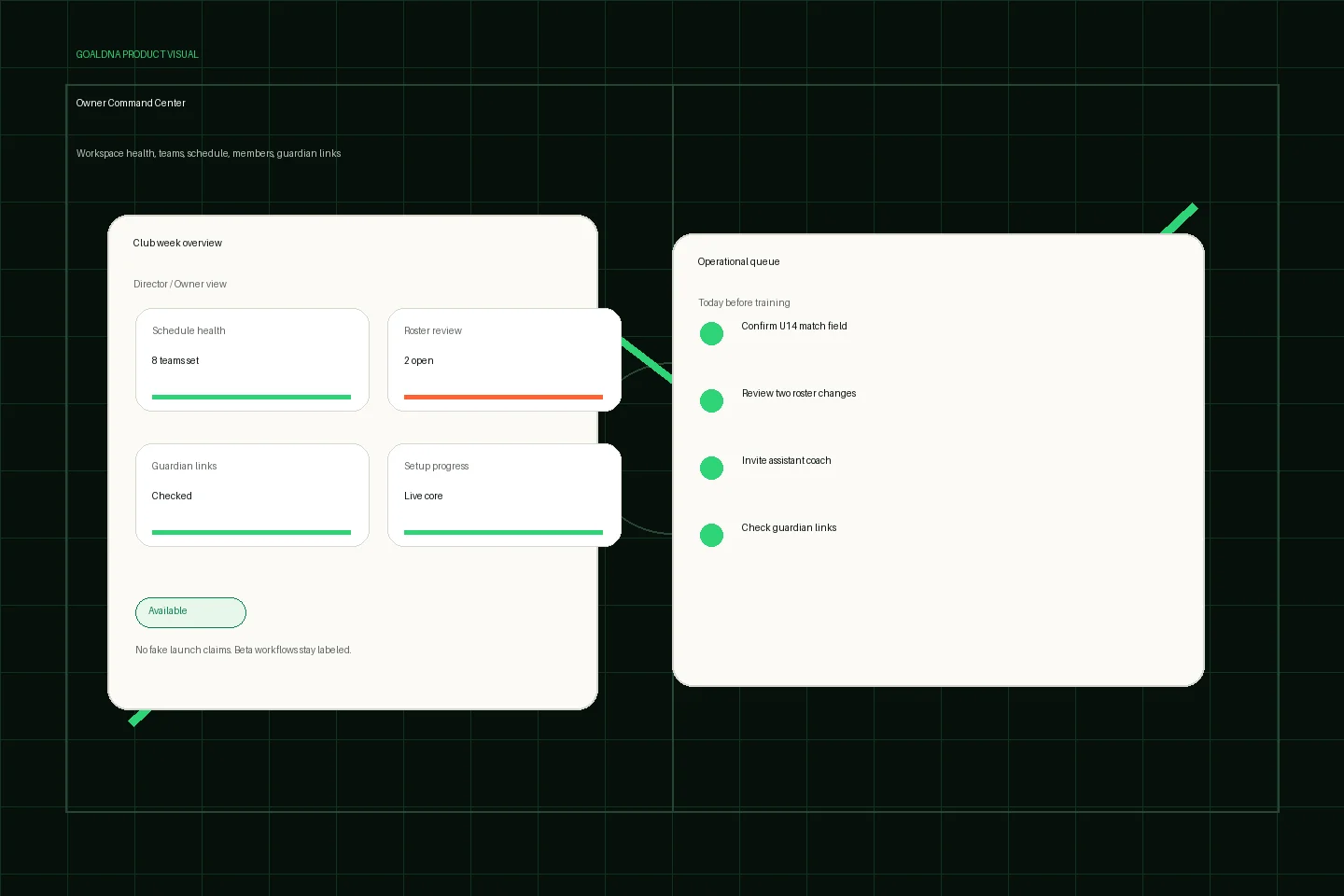
Public-safe product preview based on current GoalDNA workflows.
Product preview context
This public-safe product preview is based on current GoalDNA workflows and uses no private customer, player, guardian, inbox, injury, or member data.
- Status
- Available
- Product areas
- DashboardTeamsScheduleMembersGuardian links
Before you start
Name the real owner, the first team, and the role boundaries before inviting more people.
- Directors
- Admins
- Academy operators
- Support requesters
Step-by-step workflow
Work through the setup in the order a club would actually run it during the week.
- Choose the request type
- Include your club or academy context
- List team count and roles involved
- Name the first workflow you want to move
- Send the request
What good looks like
These are the available or practical outcomes to verify before moving on.
- Contact form
- Direct email path
- Demo and Academy request guidance
- Privacy question routing
Role visibility checks
Check access boundaries before inviting more staff, players, or guardians.
- Directors should send rollout context.
- Admins should include operational blockers.
- Guardians should use privacy/support questions for account-specific concerns.
Common mistakes
Avoid these rollout errors; they create confusion faster than the product can clean it up.
- Sending passwords or private credentials through a contact form.
- Requesting every feature at once instead of naming the first workflow.
- Assuming support can enable rolling-out features immediately.
Troubleshooting
Check the concrete schedule, team, roster, and role context before changing permissions.
- If the request is about access, include the workspace or club name and role.
- If the request is about a demo, include team count, roles involved, and the first workflow target.
- If the request is about privacy, avoid including unnecessary player details in the first message.
What not to rely on yet
These limits should stay out of club-critical plans unless feature status changes.
- Do not send secrets or private account credentials through contact messages.
Beta / partial notes
Use these areas carefully with pilot expectations and transparent communication.
- Complex Academy rollout and beta workflow questions may need human planning.
- Support cannot promise gated features as available.
Example club scenario
An academy requests a demo with team count, director/admin/coach roles, guardian needs, and the first workflow they want to move into GoalDNA.
FAQ
What should an Academy include in a demo request?
Include number of teams, roles involved, current operating pain, and the first workflow you want to move into GoalDNA.
Can support confirm feature status?
Yes. Support can clarify what is available, beta/pilot, partial, gated, or rolling out without making unsupported launch promises.
Related workflows
Guide
Getting started
A safe first path for moving club operations into GoalDNA.
Read Getting startedGuide
Feature status & beta roadmap
A transparent public view of available, beta/pilot, partial, and rolling-out areas.
Read Feature status & beta roadmapGuide
Privacy & data boundaries
Plain-English youth sports privacy and role visibility guidance.
Read Privacy & data boundaries