
RSVP / availability
Use availability context to reduce matchday uncertainty.
Quick answer
RSVP basics are available, while richer availability workflows are beta or pilot areas.
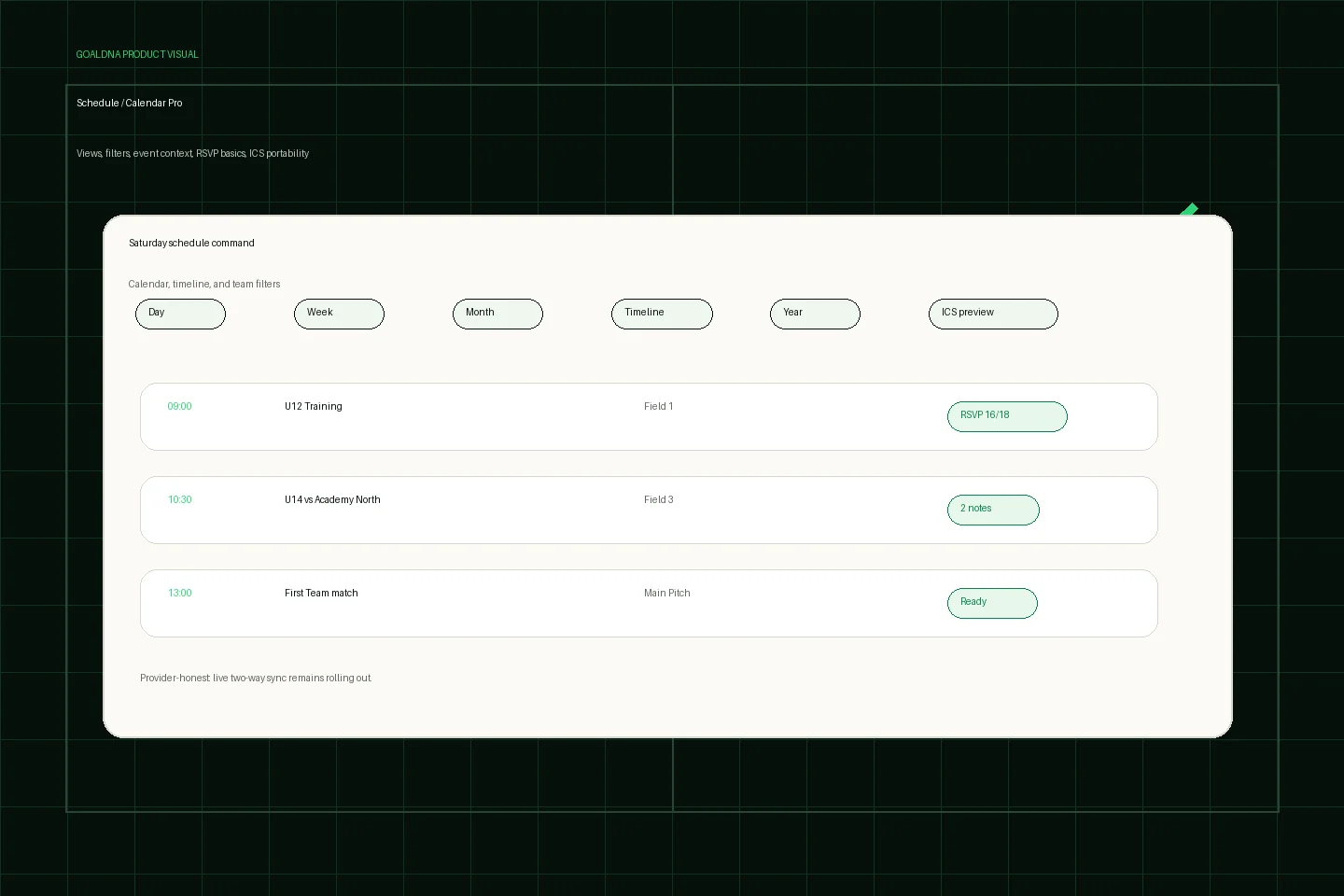
Public-safe product preview based on current GoalDNA workflows.
Product preview context
This public-safe product preview is based on current GoalDNA workflows and uses no private customer, player, guardian, inbox, injury, or member data.
- Status
- Available
- Product areas
- Schedule / Calendar ProClub eventsRSVP basicsICS portability
Before you start
Treat RSVP basics as planning context, not full attendance automation. Use it to spot uncertainty before matchday, while advanced waitlists, deadlines, proxy RSVP, and live notifications remain future-gated unless feature status changes.
- Coaches
- Admins
- Players
- Guardians
Step-by-step workflow
Attach RSVP context to the event, review missing responses, keep uncertainty visible, then use coach judgment before lineup or attendance decisions.
- Choose the event owner
- Attach the event to the correct team
- Ask for availability where configured
- Treat missing RSVP as uncertainty, not confirmed absence
- Use response context for lineup planning and family updates
What good looks like
These are the available or practical outcomes to verify before moving on.
- Persisted basic RSVP controls
- Attendance summaries
- Schedule-linked context
Role visibility checks
Check access boundaries before inviting more staff, players, or guardians.
- Coaches use responses for planning.
- Players and guardians provide relevant participation context where configured.
Common mistakes
Avoid these rollout errors; they create confusion faster than the product can clean it up.
- Treating missing RSVP as confirmed absence.
- Promising SMS/email/push reminders before they are live.
- Letting guardians see unrelated team or player context.
Troubleshooting
Check the concrete schedule, team, roster, and role context before changing permissions.
- If RSVP context is missing, confirm the event is attached to the right team and role scope.
- If a guardian cannot respond where expected, review linked-player setup before broadening permissions.
- If deadline or waitlist behavior is requested, mark it as gated instead of inventing a workaround.
What not to rely on yet
Do not build policy around waitlists, deadline automation, proxy RSVP, or live reminder delivery until public feature status changes.
- Waitlist, deadline, and proxy RSVP workflows are gated.
- SMS/email/push reminders are gated.
Beta / partial notes
Use these areas carefully with pilot expectations and transparent communication.
- RSVP basics are available/pilot-ready; waitlists, deadlines, proxy RSVP, and automated reminders remain gated.
- Availability should inform planning, not replace coach judgment.
Example club scenario
A coach checks which U14 players have responded before saving the lineup, then sends a concise update with kickoff, arrival, field, and any remaining availability questions.
FAQ
Is full availability automation live?
No. RSVP basics are available/pilot-ready, while richer availability automation is beta, partial, or gated.
Can parents help with availability?
Guardians can use linked-player visibility and RSVP basics where configured, without receiving staff access.
Related workflows
Available
Schedule & Calendar
Plan the club week with schedule views, filters, events, matches, and portability workflows.
Read Schedule & CalendarAvailable
Matchday & lineups
Prepare matchday from roster and schedule context.
Read Matchday & lineupsAvailable
Guardian / parent access
Give families linked-player visibility without internal club access.
Read Guardian / parent access