
Teams & rosters
Use teams and rosters as the backbone for schedule, matchday, and communication workflows.
Quick answer
GoalDNA keeps teams, players, staff assignments, and roster context connected to the workflows that use them.
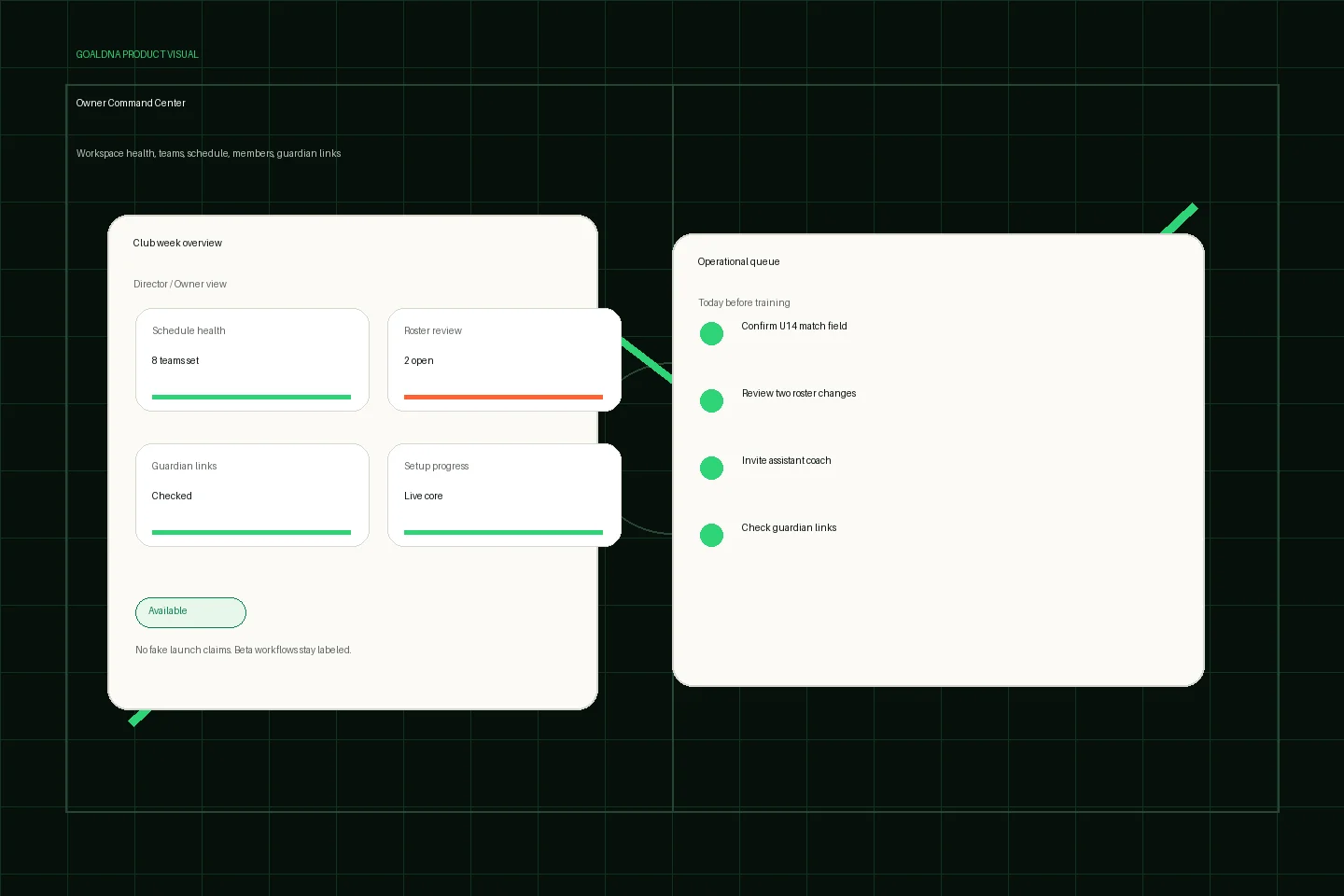
Public-safe product preview based on current GoalDNA workflows.
Product preview context
This public-safe product preview is based on current GoalDNA workflows and uses no private customer, player, guardian, inbox, injury, or member data.
- Status
- Available
- Product areas
- DashboardTeamsScheduleMembersGuardian links
Before you start
Before inviting the full club, clean one pilot team first: confirm the team name, coach assignments, active players, guardian links, and which roster should power schedule, matchday, and communication workflows.
- Admins
- Coaches
- Team managers
Step-by-step workflow
Create the team, add active players, assign staff, review guardian links, then test the roster inside a match, schedule event, and lineup workflow before expanding.
- Create teams with clear names
- Add players
- Assign staff
- Review guardian links
- Use roster context in matches and lineups
What good looks like
These are the available or practical outcomes to verify before moving on.
- Create and edit teams
- List and view teams
- Create and edit players
- Player detail
- Team assignment
Role visibility checks
Check access boundaries before inviting more staff, players, or guardians.
- Admins maintain structure.
- Coaches validate team-level roster context.
- Players and guardians receive scoped visibility.
Common mistakes
Avoid these rollout errors; they create confusion faster than the product can clean it up.
- Treating an old spreadsheet as clean source data.
- Adding guardians before player names and assignments are reviewed.
- Leaving departed players on active rosters.
Troubleshooting
If roster context looks wrong, check team assignment, active/inactive player status, duplicate records, and guardian links before editing matchday or schedule data.
- If a player appears under the wrong team, check team assignment before editing match or schedule data.
- If roster context does not appear in matchday, confirm the match is attached to the right team.
- If guardian links are missing, clean the player record first, then invite or link the guardian.
What not to rely on yet
These limits should stay out of club-critical plans unless feature status changes.
- Advanced academy-wide roster automation belongs in beta/pilot planning.
Beta / partial notes
Use these areas carefully with pilot expectations and transparent communication.
- Advanced academy-wide roster automation is a pilot planning area.
- Bulk cleanup and deeper assignment automation should be verified before broad rollout.
Example club scenario
An admin creates U13, U14, and First Team rosters, assigns coaches, confirms guardian links, then uses those rosters for schedule, matchday, and messages.
FAQ
Should rosters be perfect before scheduling?
They should be clean enough for visibility and matchday. Start with active players and staff, then refine as the pilot expands.
Can rosters support multiple teams?
Yes. Team and roster management are available, while advanced academy-scale automation should be treated as beta/pilot planning.
Related workflows
Available
Schedule & Calendar
Plan the club week with schedule views, filters, events, matches, and portability workflows.
Read Schedule & CalendarAvailable
Matchday & lineups
Prepare matchday from roster and schedule context.
Read Matchday & lineupsAvailable
Guardian / parent access
Give families linked-player visibility without internal club access.
Read Guardian / parent access