
Schedule & Calendar
Plan the club week with schedule views, filters, events, matches, and portability workflows.
Quick answer
Schedule and calendar workflows are available, with some advanced automation and provider sync still gated or rolling out.
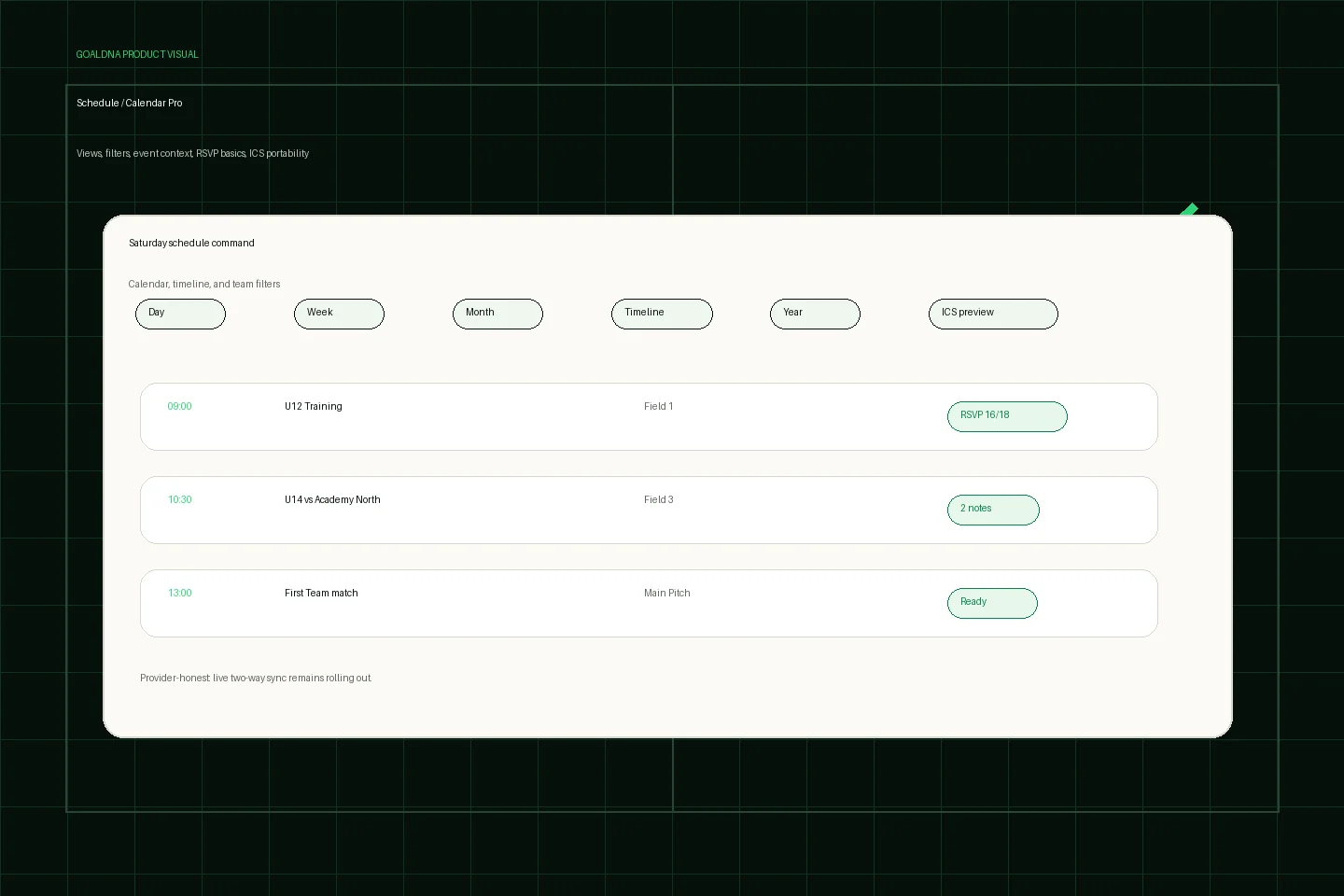
Public-safe product preview based on current GoalDNA workflows.
Product preview context
This public-safe product preview is based on current GoalDNA workflows and uses no private customer, player, guardian, inbox, injury, or member data.
- Status
- Available
- Product areas
- Schedule / Calendar ProClub eventsRSVP basicsICS portability
Before you start
Before building the full club calendar, choose one schedule owner, one pilot team, and one event type. Start with matches and training sessions families actually need, then confirm guardian visibility before expanding.
- Directors
- Admins
- Coaches
- Guardians
Step-by-step workflow
Create the real event, attach the correct team, check filters/views, verify family-facing details, then send the role-aware update.
- Create match and event context
- Use filters to focus the view
- Preview import/export needs
- Confirm RSVP basics
- Send relevant updates
What good looks like
These are the available or practical outcomes to verify before moving on.
- Day/week/month/year/timeline views
- Filters
- Club event creation, edit, and clone
- Match scheduling
- ICS export/import preview
- Schedule Glance
Role visibility checks
Check access boundaries before inviting more staff, players, or guardians.
- Admins coordinate the calendar.
- Coaches use team schedule context.
- Guardians see linked-player schedule visibility where configured.
Common mistakes
Avoid these rollout errors; they create confusion faster than the product can clean it up.
- Calling live provider sync finished before feature status changes.
- Dragging events as if persistence is complete.
- Creating events without checking team and guardian visibility.
Troubleshooting
If an event looks wrong, check team assignment, event type, linked-player visibility, and provider-honest sync status before rebuilding the calendar.
- If a family cannot see an event, confirm the event team and linked-player visibility.
- If an imported schedule looks incomplete, treat the import/export flow as a preview and verify each event before relying on it.
- If calendar provider sync is requested, route it through feature status instead of promising live two-way sync.
What not to rely on yet
These limits should stay out of club-critical plans unless feature status changes.
- Live two-way Google, Outlook, and Apple sync is not fully live.
- Recurring template persistence and drag/drop persistence are gated.
Beta / partial notes
Use these areas carefully with pilot expectations and transparent communication.
- Schedule import/export and ICS preview are available/pilot workflows.
- Live two-way Google, Outlook, and Apple sync is rolling out, not marketed as fully live.
- Recurring template persistence and drag/drop persistence are gated.
Example club scenario
A coordinator creates Saturday matches, filters the calendar by age group, checks RSVP basics, and sends a scoped update so families know kickoff, field, and arrival context.
FAQ
Does GoalDNA replace Google or Outlook today?
GoalDNA centralizes club schedule context and supports portability workflows where available. Live two-way provider sync remains rolling out.
Can guardians see the schedule?
Guardians can see linked-player schedule visibility where configured, without internal admin context.
Related workflows
Beta / pilot
RSVP / availability
Use availability context to reduce matchday uncertainty.
Read RSVP / availabilityAvailable
Matchday & lineups
Prepare matchday from roster and schedule context.
Read Matchday & lineupsGuide
Feature status & beta roadmap
A transparent public view of available, beta/pilot, partial, and rolling-out areas.
Read Feature status & beta roadmap