
Create your workspace
Set up the club workspace that will own schedules, people, and matchday context.
Quick answer
The workspace is the operating home for the club or team structure you want GoalDNA to coordinate.
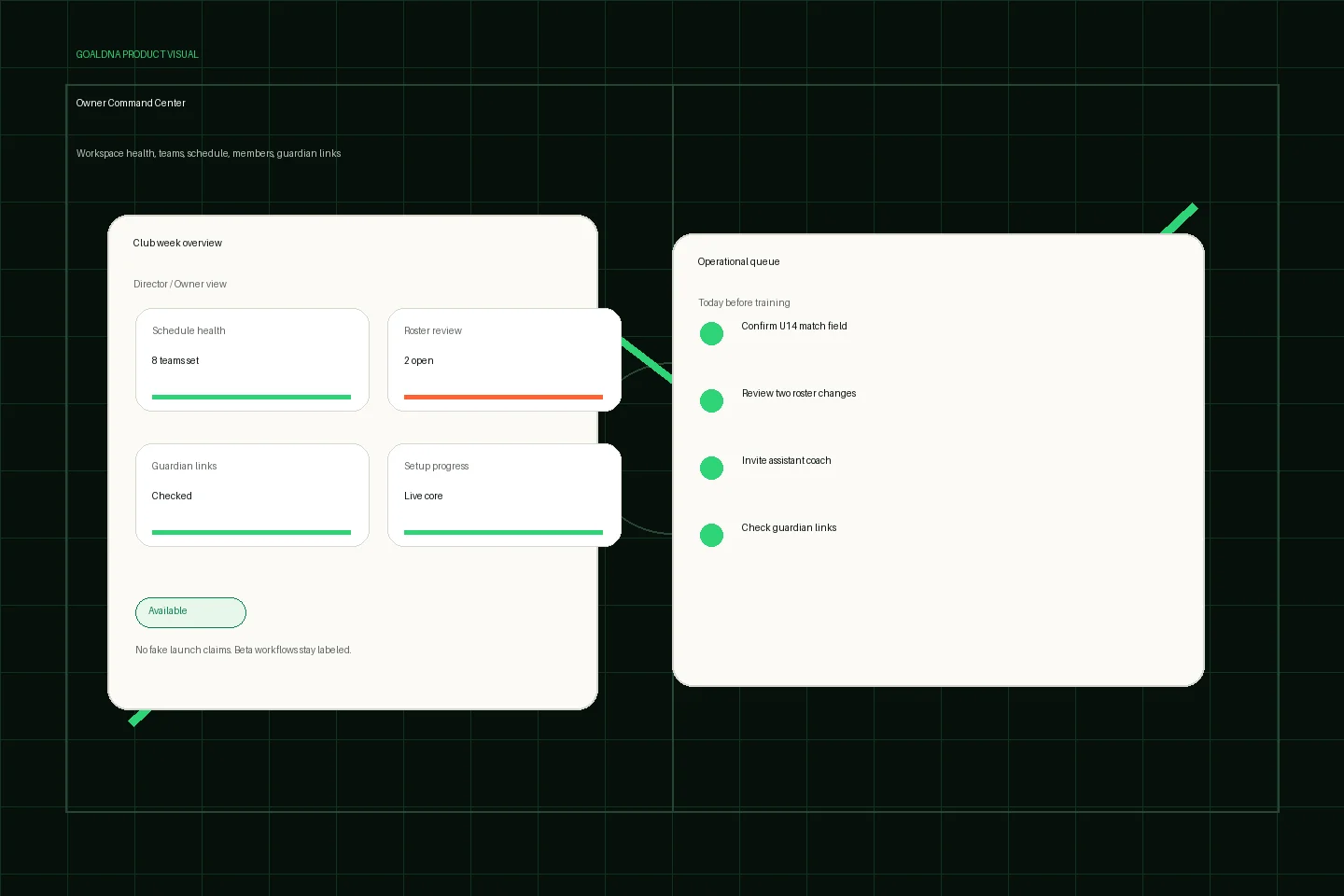
Public-safe product preview based on current GoalDNA workflows.
Product preview context
This public-safe product preview is based on current GoalDNA workflows and uses no private customer, player, guardian, inbox, injury, or member data.
- Status
- Available
- Product areas
- DashboardTeamsScheduleMembersGuardian links
Before you start
Name the real owner, the first team, and the role boundaries before inviting more people.
- Club owners
- Directors
- Admins
Step-by-step workflow
Work through the setup in the order a club would actually run it during the week.
- Use a clear club or program name
- Confirm owner/admin responsibility
- Add the first teams
- Check settings before invitations
- Use the dashboard checklist to continue setup
What good looks like
These are the available or practical outcomes to verify before moving on.
- Workspace access
- Profile and organization shells
- Settings and governance surfaces
- Quick actions and setup checklist
Role visibility checks
Check access boundaries before inviting more staff, players, or guardians.
- Owners and admins control workspace structure.
- Coaches and staff should be invited into specific responsibilities.
Common mistakes
Avoid these rollout errors; they create confusion faster than the product can clean it up.
- Inviting too broadly before roles are checked.
- Assuming rolling-out workflows are fully available.
- Using one shared account instead of scoped roles.
Troubleshooting
Check the concrete schedule, team, roster, and role context before changing permissions.
- Check workspace role, team assignment, and feature status before assuming a workflow is broken.
What not to rely on yet
These limits should stay out of club-critical plans unless feature status changes.
- Avoid broad invitations until roles and team structure are correct.
- Platform-owner operations are not public customer workflows.
Beta / partial notes
Use these areas carefully with pilot expectations and transparent communication.
- Review feature status before relying on advanced automation, intelligence, or provider sync.
Example club scenario
Use this guide to move one real club workflow into GoalDNA, confirm role visibility, then expand when the team is ready.
Related workflows
Available
Invite your team
Bring people into GoalDNA with scoped roles instead of shared access.
Read Invite your teamAvailable
Roles & permissions
How GoalDNA separates visibility for different club responsibilities.
Read Roles & permissionsGuide
Privacy & data boundaries
Plain-English youth sports privacy and role visibility guidance.
Read Privacy & data boundaries