
Guardian / parent access
Give families linked-player visibility without internal club access.
Quick answer
Guardian access exists for linked-player schedule and communication visibility where configured.
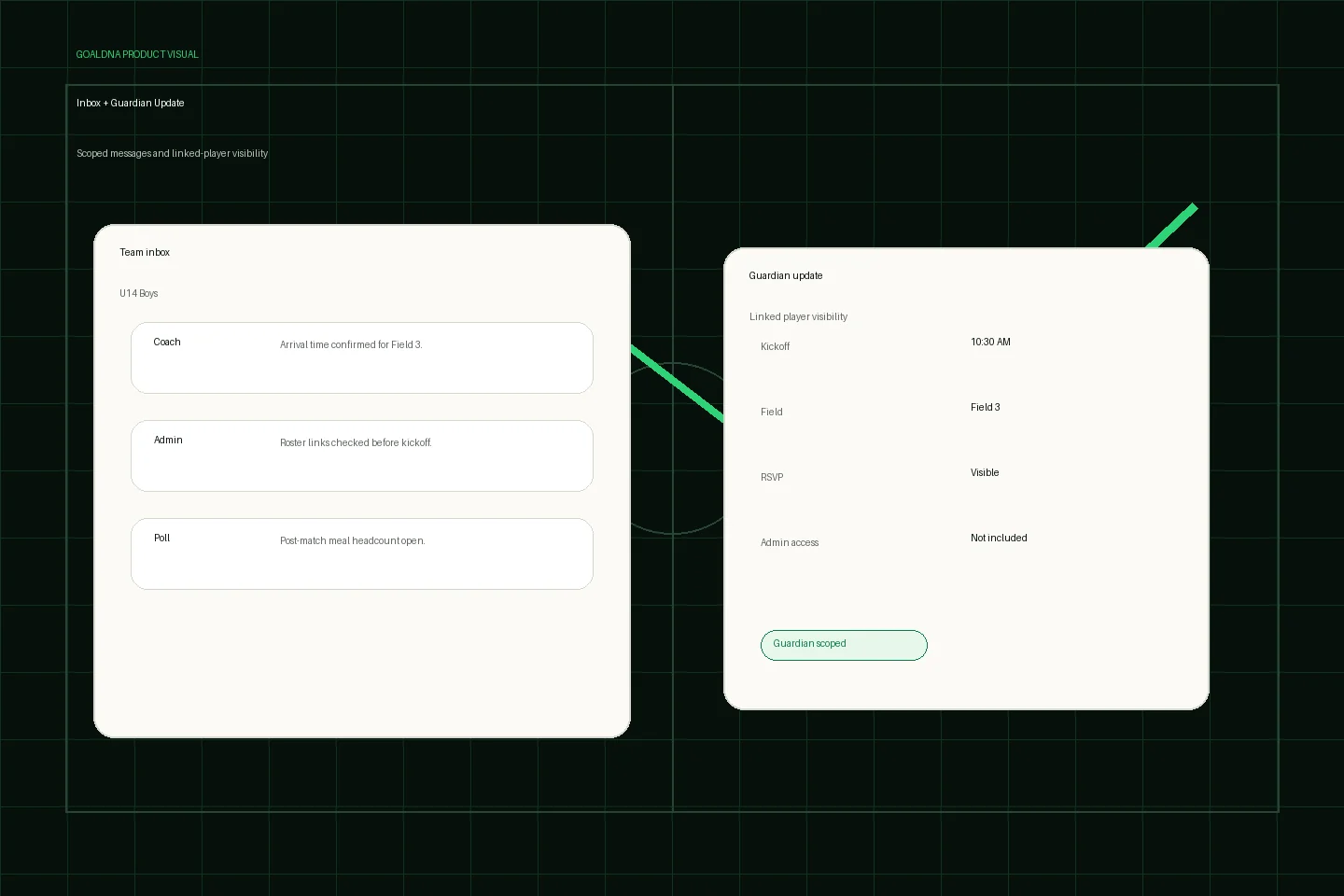
Public-safe product preview based on current GoalDNA workflows.
Product preview context
This public-safe product preview is based on current GoalDNA workflows and uses no private customer, player, guardian, inbox, injury, or member data.
- Status
- Available
- Product areas
- InboxAnnouncementsGuardian accessNotifications
Before you start
Before inviting guardians, verify player records, linked-player relationships, and what each family member should see. Guardian access should never become a substitute for staff or admin access.
- Parents and guardians
- Admins
- Coaches
Step-by-step workflow
Confirm player records, link guardians carefully, review family-visible schedule and communication context, send a limited update, then adjust links when family context changes.
- Confirm player records
- Link guardians carefully
- Review what guardians can see
- Send relevant updates
- Adjust links when family context changes
What good looks like
These are the available or practical outcomes to verify before moving on.
- Linked-player visibility
- Relevant schedule context
- Team communication visibility where configured
Role visibility checks
Check access boundaries before inviting more staff, players, or guardians.
- Guardians are not admins.
- Coaches and staff should keep family updates relevant.
- Admins control membership and links.
Common mistakes
Avoid these rollout errors; they create confusion faster than the product can clean it up.
- Using guardian access as a substitute for staff accounts.
- Inviting guardians before player records are accurate.
- Sending admin-only context through family updates.
Troubleshooting
If a guardian cannot see the right player, inspect the linked-player relationship first. If they see too much, remove the link and review role assignment before sending more updates.
- If a guardian cannot see the right player, review the linked-player relationship before changing broader permissions.
- If a guardian sees unrelated context, remove the link and investigate role assignment.
- If a family has a privacy concern, use the privacy/contact path instead of discussing account details in a team thread.
What not to rely on yet
These limits should stay out of club-critical plans unless feature status changes.
- Guardian visibility is scoped and should not expose internal club operations.
- Privacy questions should route through the privacy/contact path.
Beta / partial notes
Use these areas carefully with pilot expectations and transparent communication.
- Guardian visibility is intentionally scoped and should be reviewed during rollout.
- Privacy/data minimization details may keep improving as pilot feedback arrives.
Example club scenario
A parent linked to one player sees the next match, kickoff details, and relevant team message, while club settings, staff operations, and other players' internal context stay out of view.
FAQ
What can guardians see?
They can see linked-player schedule and communication visibility where configured.
What can guardians not see?
They should not see internal admin operations, unrelated player context, or staff-only workspace controls.
Related workflows
Guide
Privacy & data boundaries
Plain-English youth sports privacy and role visibility guidance.
Read Privacy & data boundariesAvailable
Roles & permissions
How GoalDNA separates visibility for different club responsibilities.
Read Roles & permissionsAvailable
Schedule & Calendar
Plan the club week with schedule views, filters, events, matches, and portability workflows.
Read Schedule & Calendar