
Privacy & data boundaries
Plain-English youth sports privacy and role visibility guidance.
Quick answer
GoalDNA uses role-aware access and linked-player visibility so people see relevant context without unnecessary internal access.
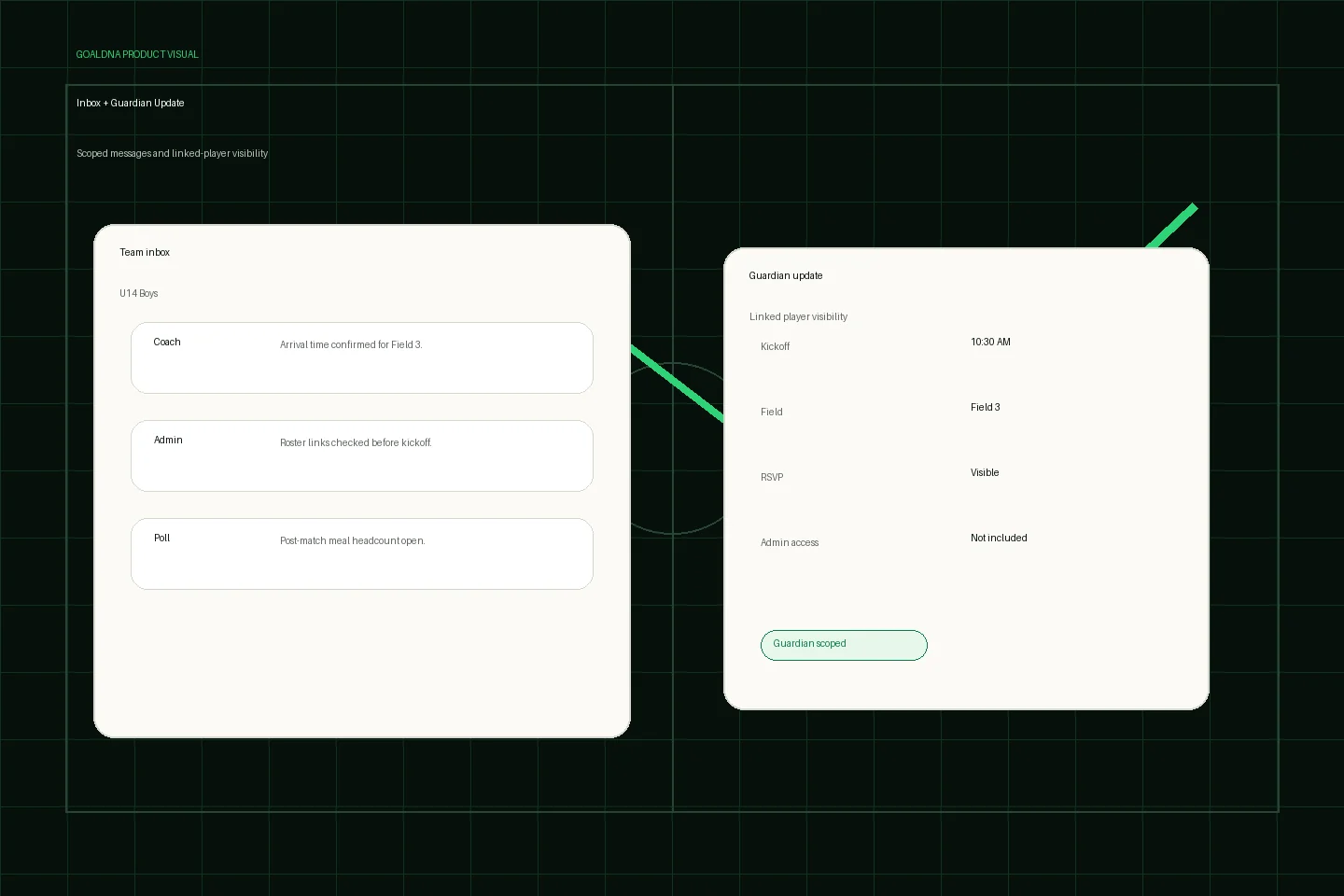
Public-safe product preview based on current GoalDNA workflows.
Product preview context
This public-safe product preview is based on current GoalDNA workflows and uses no private customer, player, guardian, inbox, injury, or member data.
- Status
- Available
- Product areas
- InboxAnnouncementsGuardian accessNotifications
Before you start
Name the real owner, the first team, and the role boundaries before inviting more people.
- Directors
- Admins
- Guardians
- Privacy reviewers
Step-by-step workflow
Work through the setup in the order a club would actually run it during the week.
- Assign roles intentionally
- Link guardians only where appropriate
- Review player information before invitations
- Use the privacy page for policy details
- Contact support for requests
What good looks like
These are the available or practical outcomes to verify before moving on.
- Role-aware access
- Guardian-linked visibility
- Workspace membership controls
- Privacy and contact paths
Role visibility checks
Check access boundaries before inviting more staff, players, or guardians.
- Club administrators control workspace membership.
- Guardians see linked-player context.
- Players see relevant assigned visibility.
Common mistakes
Avoid these rollout errors; they create confusion faster than the product can clean it up.
- Treating guardian access as an admin role.
- Adding family data before the club knows who controls it.
- Making unsupported compliance or certification claims.
Troubleshooting
Check the concrete schedule, team, roster, and role context before changing permissions.
- If a privacy question is account-specific, use the support/contact path with the club context.
- If someone has the wrong visibility, inspect their role and linked-player relationship first.
- If a club needs legal review, point to public privacy terms and avoid inventing compliance claims.
What not to rely on yet
These limits should stay out of club-critical plans unless feature status changes.
- This page is not legal advice.
- Do not infer unsupported compliance certifications from marketing copy.
Beta / partial notes
Use these areas carefully with pilot expectations and transparent communication.
- Field-level minimization keeps improving as pilot feedback arrives.
- Complex academy privacy review should happen before broad guardian rollout.
Example club scenario
A director reviews member roles, confirms guardian links for one team, and routes a parent privacy question through the contact path instead of exposing internal staff context.
FAQ
Who controls workspace member access?
Club owners and administrators control membership and role setup inside the workspace.
Is this legal advice?
No. The docs describe product behavior and privacy posture; clubs should use their own legal review where needed.
Related workflows
Available
Guardian / parent access
Give families linked-player visibility without internal club access.
Read Guardian / parent accessAvailable
Roles & permissions
How GoalDNA separates visibility for different club responsibilities.
Read Roles & permissionsGuide
Support / contact
How to request access, ask support questions, or discuss privacy and rollout needs.
Read Support / contact