
Matchday & lineups
Prepare matchday from roster and schedule context.
Quick answer
Coaches can create match context, update results, and build/save lineups against the roster.
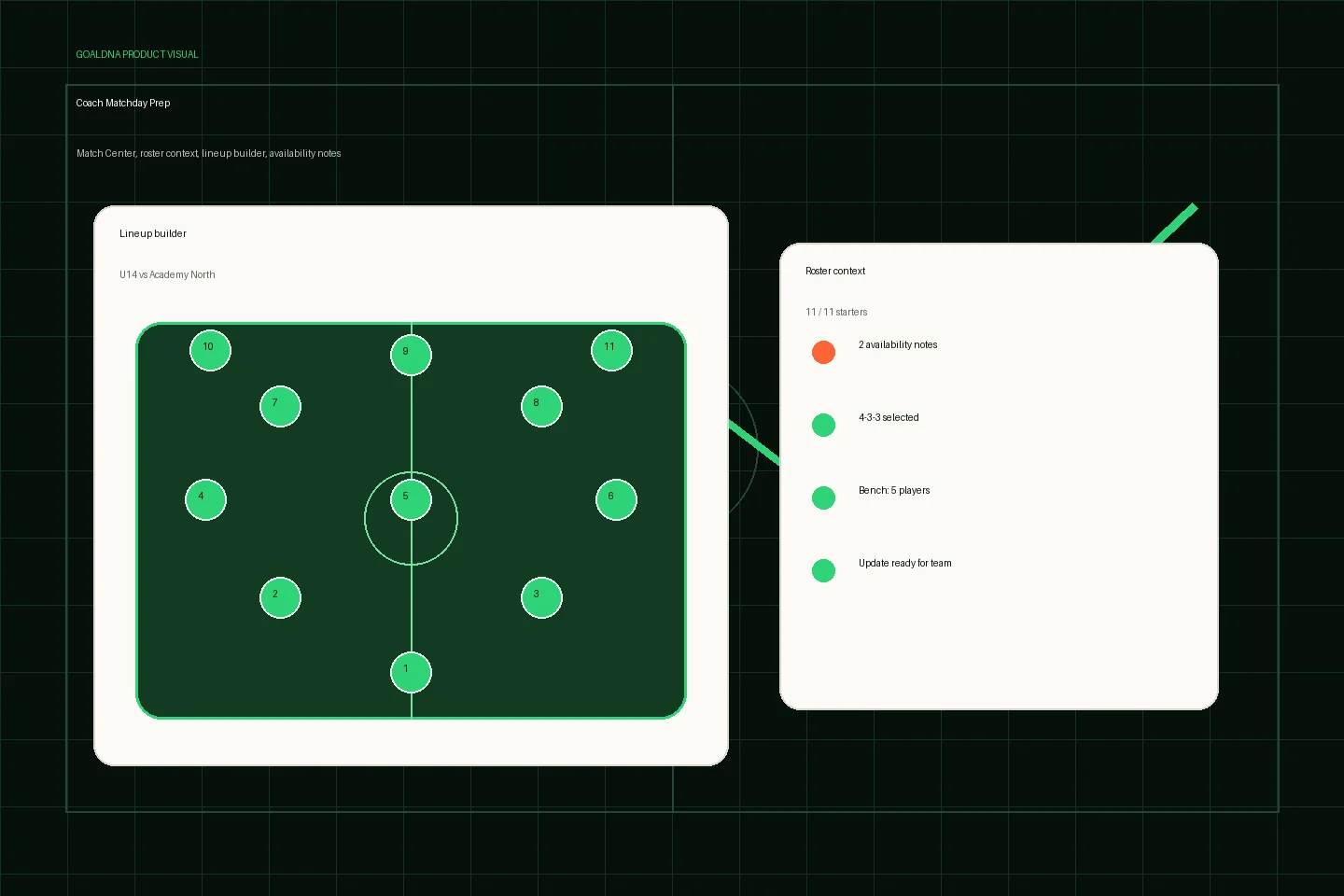
Public-safe product preview based on current GoalDNA workflows.
Product preview context
This public-safe product preview is based on current GoalDNA workflows and uses no private customer, player, guardian, inbox, injury, or member data.
- Status
- Available
- Product areas
- Match CenterTeamsRostersLineup Builder
Before you start
Before saving a lineup, confirm the match is attached to the right team, the roster is current, and RSVP gaps are treated as planning notes rather than confirmed absences.
- Coaches
- Team managers
- Directors
Step-by-step workflow
Open the match, review roster and availability context, build the lineup, save it, then send only the relevant matchday update.
- Create or review the match
- Check roster and availability context
- Build the lineup
- Save the lineup
- Send the right update
What good looks like
These are the available or practical outcomes to verify before moving on.
- Match creation and editing
- Results updates
- Match detail
- Lineup builder
- Roster context
Role visibility checks
Check access boundaries before inviting more staff, players, or guardians.
- Coaches own matchday prep.
- Directors can view operational context.
- Players and guardians see relevant updates where configured.
Common mistakes
Avoid these rollout errors; they create confusion faster than the product can clean it up.
- Building lineups from memory instead of current roster context.
- Assuming advanced competition intelligence is complete.
- Sending family updates before match details are confirmed.
Troubleshooting
If lineup context is missing, inspect match team, roster assignment, and denied-role boundaries before changing player records.
- If a player is missing from lineup context, check team assignment and roster status first.
- If availability context is incomplete, use RSVP basics carefully and keep final coach judgment explicit.
- If results or league context look thin, verify match and competition assignments before treating standings as complete.
What not to rely on yet
These limits should stay out of club-critical plans unless feature status changes.
- Advanced competition logic is partial.
- Full league tables depend on competition assignment completeness.
Beta / partial notes
Use these areas carefully with pilot expectations and transparent communication.
- Advanced competition logic is partial.
- Full league tables depend on complete competition assignments.
- Availability depth beyond RSVP basics is still maturing.
Example club scenario
A coach opens the U14 match, checks roster and availability notes, builds the starting 11, saves the lineup, and sends a team update before arrival time.
FAQ
Can coaches save lineups?
Yes. The lineup builder is available against match and roster context.
Does lineup work include full performance analysis?
No. Matchday lineup preparation is available; deeper performance intelligence is rolling out transparently.
Related workflows
Available
Teams & rosters
Use teams and rosters as the backbone for schedule, matchday, and communication workflows.
Read Teams & rostersAvailable
Communication & announcements
Keep team updates connected to the workspace.
Read Communication & announcementsAvailable
Schedule & Calendar
Plan the club week with schedule views, filters, events, matches, and portability workflows.
Read Schedule & Calendar